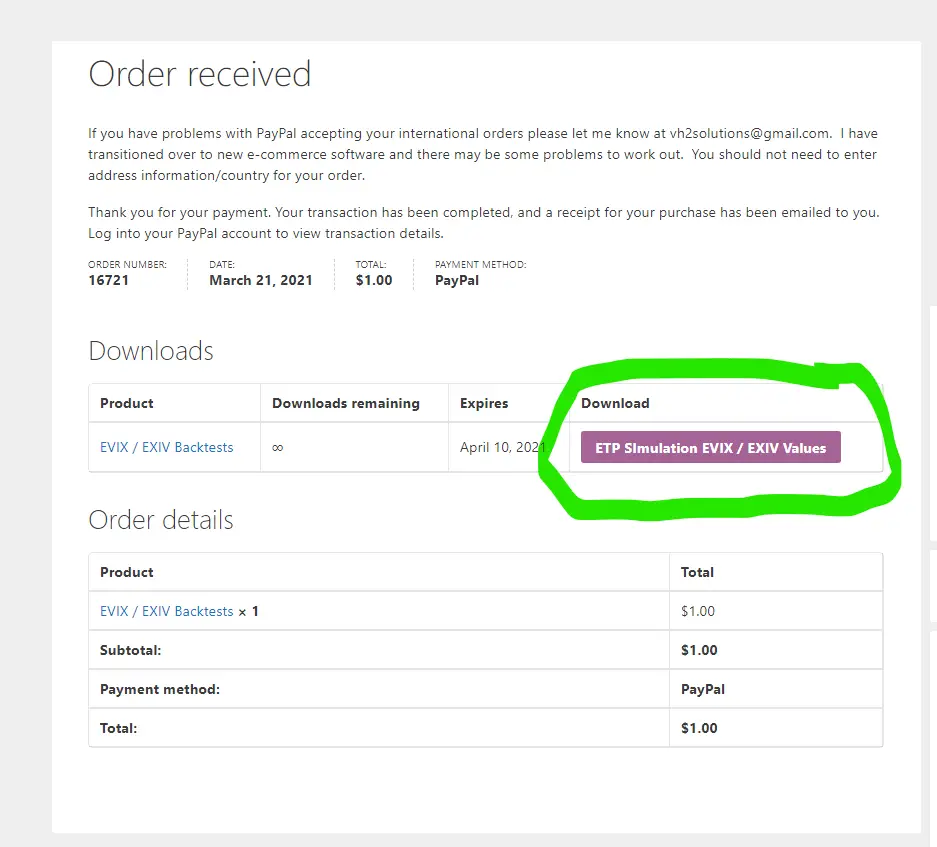
- The place to click to get the actual download is the purple field located under the “Download” column on the right side of the screen.
- If you have problems with PayPal accepting your orders please let me know at [email protected]
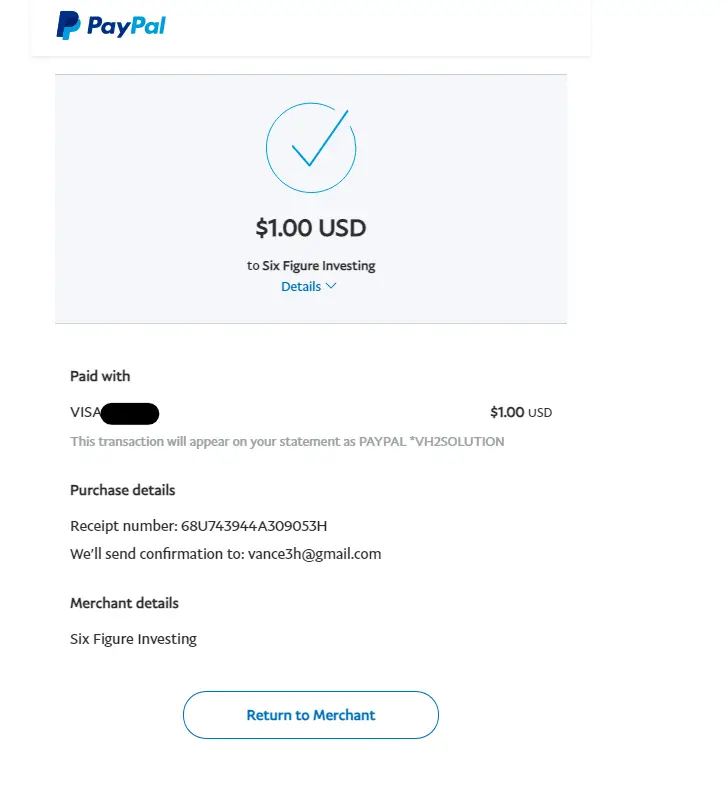
- After you pay for the order on PayPal you should see a screen with a “Return to Merchant” button on the bottom, click on this to get to the Order Received page that has the download link
- If the “Downloads” section does not immediately appear on the Order Received page please wait a minute or two and refresh the page.
- PayPal payment is currently not working if you are in an incognito mode on your computer. If that is your setup please email me at [email protected] about what you want to order so that you can receive the spreadsheet and pay for it on Paypal with vh2solutions as the recipient
[woocommerce_checkout]